Virtual Backgrounds
Last updated: January 26, 2026
Looking to add a touch of personalization or hide your background during your Gather video experience? We've got exciting news for you - introducing Virtual Backgrounds! Now you have the freedom to blur your background, select from our collection of background images, or even upload your very own image.
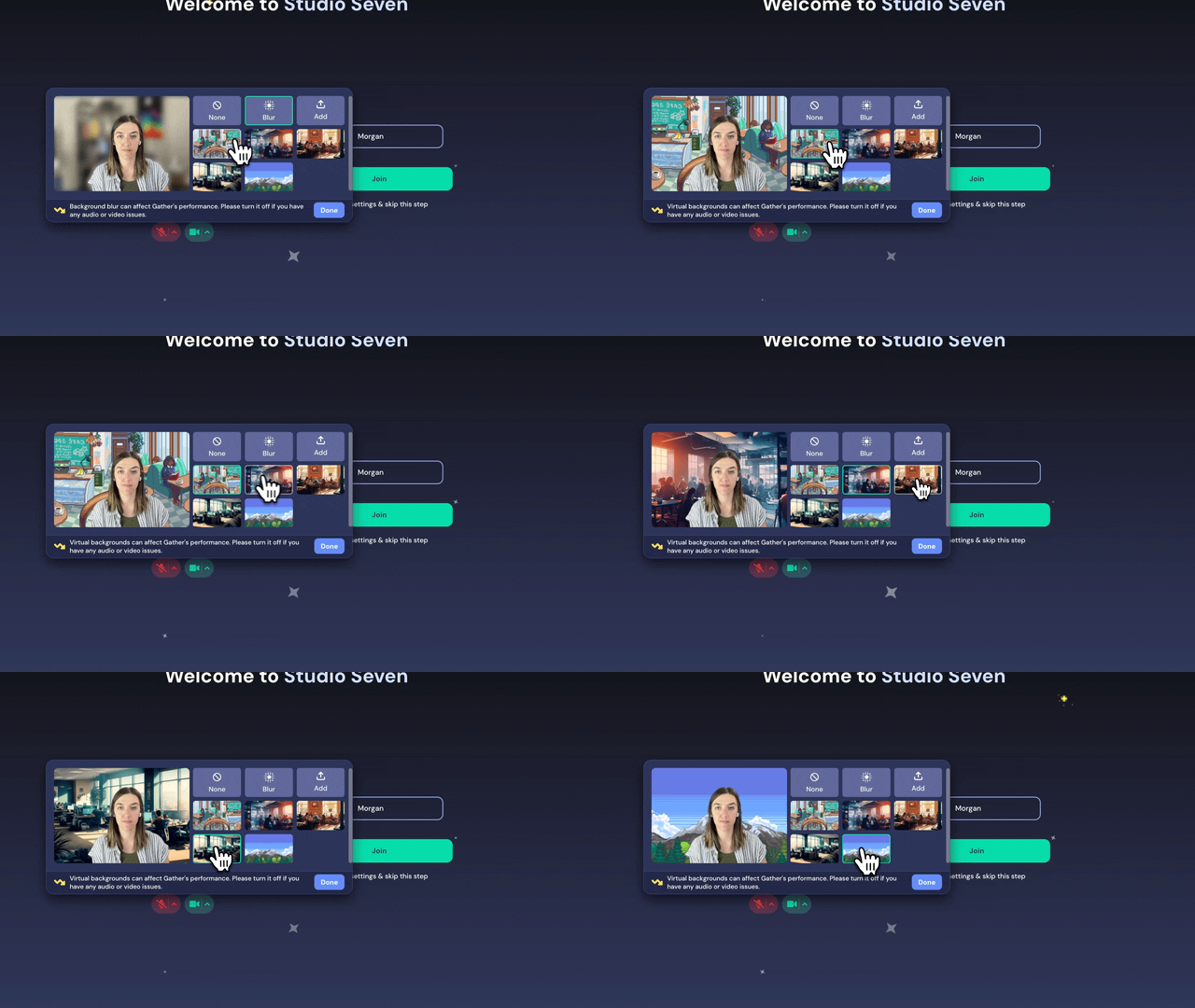
Overview
- Virtual Backgrounds are supported on Chrome, Edge, and Opera browsers. Unfortunately, they're not available on Firefox or Safari.
- To give Virtual Backgrounds a try, simply click on the arrow next to your video icon and navigate to Background & Effects under the Video Effects category.
- If your machine doesn't meet minimum hardware requirements, the option won't appear for you.
Choose from our selection:
We offer five preset virtual background options for you to choose from. Find the one that suits your style and make your video view pop!
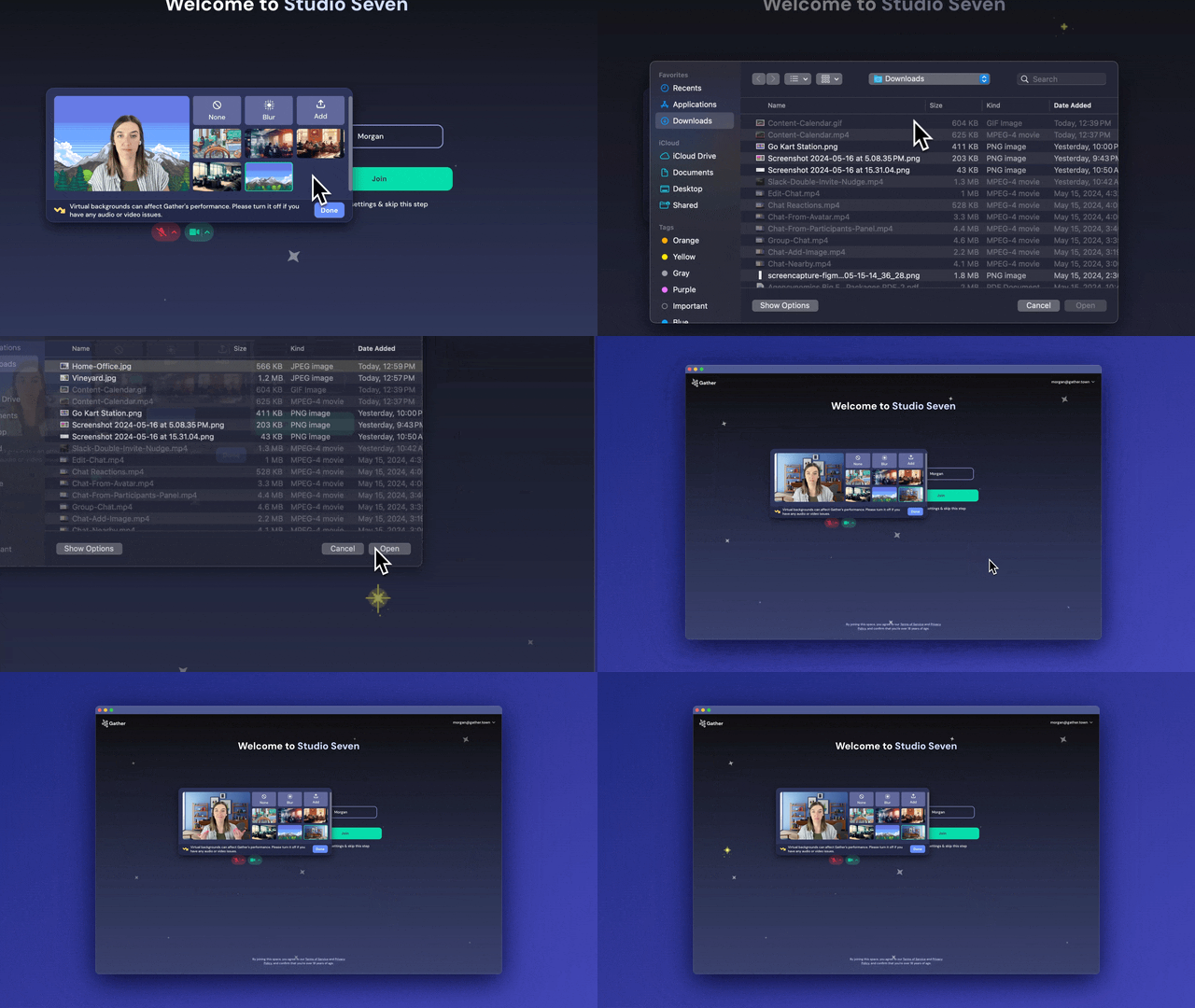
Upload your own:
Want to showcase your unique style? You can upload your own image as your background. Just select the Upload option, choose your image, and select it from the list to enjoy your custom background.
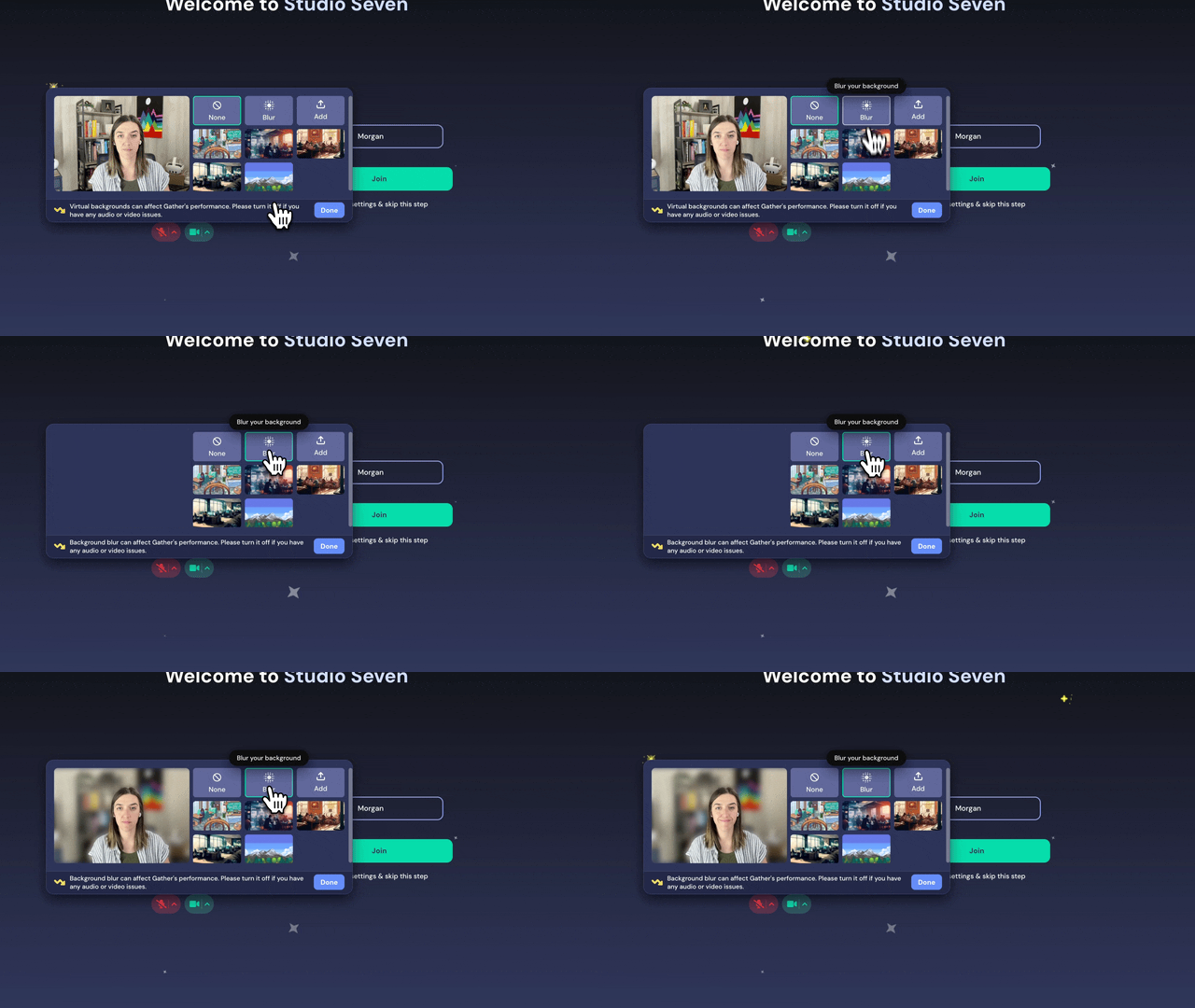
Background Blur:
If you're not keen on using an image as your video background, we've got you covered. Opt for the Background Blur option to create a more subtle and polished look.
Recommended Hardware
- Any Apple processor
- Any Intel i9 or Xeon
- Intel i7-6000 (6th generation) or higher
- Intel i5-8000 (8th generation) or higher
- Other Intel processors with 6 cores or higher
- Non-Intel processors with 8 cores or higher
- 16 GB RAM
Minimum Hardware Specifications
- 4+ logical CPU cores
- 8 GB RAM
To deliver an optimal experience, we have disabled Virtual Backgrounds for users with lower machine performance. If you fall into this category, you will no longer see the option to enable Virtual Backgrounds in the video menu.
Recommended Graphics Cards (GPU)
- 2+ GB VRAM
- Intel UHD 630 Integrated Graphics or better
- NVidia GeForce GTX 560 or better