Bulletin Boards
Last updated: May 29, 2026
The bulletin board is a Gather 1.0 object that can easily be turned into an interactive object to display information such as birthdays, holidays, game nights, meetings, lunchtimes, etc.
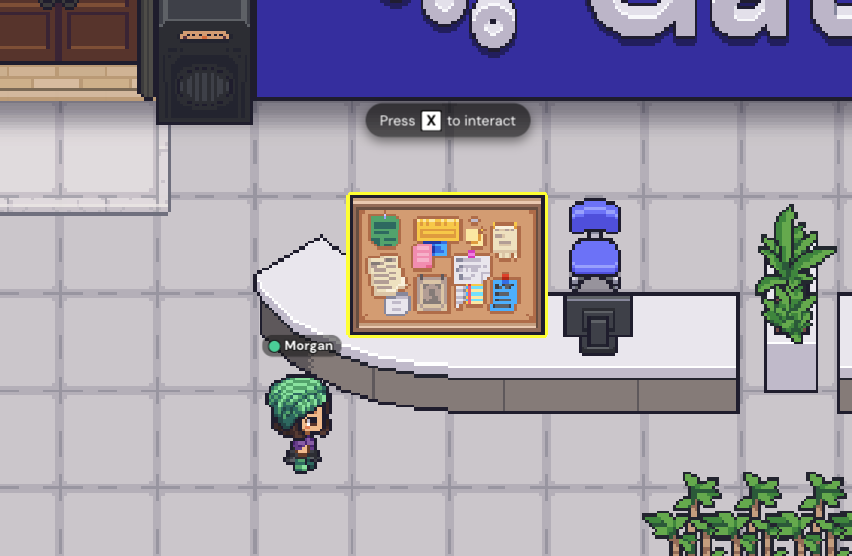
Add Bulletin Board
To add a bulletin board to your Space, open the Object Picker using the Build tool in your Space (or the Mapmaker). Search for "bulletin board."
To make the bulletin board interactive, under the Object Interactions section, choose the type of media you want to embed, such as a website or an image. Add the URL or upload the file, choose your activation distance, and place the bulletin board in a spot that's easy for everyone to interact with.
To submit a bug report or share feedback:
Open the Main Menu and select ‘Report issue / bug’
Or email support@gather.town